Let’s face it just having a username and password isn’t enough anymore. Hackers are smarter and faster than ever, and stolen login details are all over the dark web. So, it’s no surprise that both businesses and regular people keep getting hit with account takeovers, data leaks, and ransomware.
That’s why Multi-Factor Authentication, or MFA, matters so much now. It throws up another roadblock for attackers and makes breaking in a lot more difficult. MFA isn’t just a nice-to-have feature anymore it’s a must if you’re serious about security.
In this article, I’ll break down what MFA actually is, how it works, why it’s so important, and how it’s shaping the future of digital security.
What is Multi-Factor Authentication?
MFA is pretty straightforward: instead of just asking for a password, systems want you to prove who you are using at least two different methods. Passwords alone just don’t cut it; MFA layers on extra checks so you’re not left wide open if one thing gets compromised.
The beauty of MFA is that even if someone knows your password, they still can’t get in without passing another hurdle.
Why Passwords Alone Are Weak
For a long time, passwords were the main line of defense online, but honestly, they’re pretty flimsy now. People reuse passwords everywhere, or pick ones that are way too simple. Even the strongest password can get stolen through phishing emails, malware, or a data breach.
If someone gets your password, that’s it they’re in, unless you’ve got something extra in place. This is where MFA steps up and saves the day.
The Three Main MFA Factors
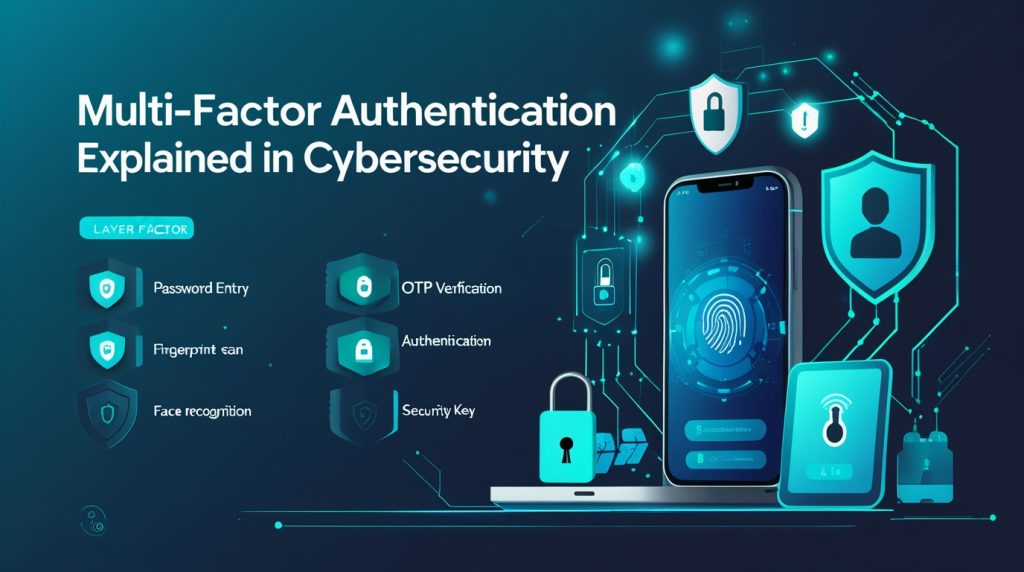
MFA works by mixing up different types of identity checks. A strong setup uses at least two of these:
1. Something you know: This is stuff only you should know like your password, a PIN, or the answer to a security question. The problem? Hackers can trick you into giving it up, or steal it if a company’s database gets leaked.
2. Something you have: This one checks that you’re holding a trusted device or object. Think your phone, a security key, or a smart card. If someone tries to hack in, they won’t get far unless they physically have this thing.
3. Something you are: This factor uses your own body as proof like your fingerprint, your face, your voice, or even your eye. Biometrics are tough to fake and make breaking in a lot harder.
How MFA Works?
Using MFA doesn’t have to be complicated. Here’s what usually happens: you log in with your username and password, the system checks them, and then you get hit with a second test maybe a code sent to your phone, or a fingerprint scan. Only after you pass both do you get in. It takes just a few seconds most of the time, but it makes a huge difference for security.
Popular Types of MFA
There’s no one-size-fits-all when it comes to MFA. Here are a few common options:
- One-Time Passwords (OTP): You get a short code usually sent by text or generated by an app that works for just one login.
- Authenticator Apps: These apps spit out codes that change every few seconds. They work even if your phone isn’t online, and they’re safer than getting codes by text.
- Push Notifications: Instead of typing in a code, you get a pop-up on your phone asking if you’re really trying to log in. Just tap yes or no.
- Hardware Security Keys: These are little gadgets you plug into your computer or tap on your phone. Super tough for hackers to get around.
- Biometrics: Scanning your face or fingerprint is fast and secure, especially on newer phones and laptops.
Why MFA Matters Now
MFA has become a key part of staying safe online. If you want to protect sensitive info, cloud accounts, or company systems, you need it. Here’s where MFA really counts:
- Cloud services and SaaS apps
- Remote work setups
- Online banking and finance
- Healthcare and government platforms
- Company networks and VPNs
Without MFA, these systems are just sitting ducks for hackers with stolen passwords.
MFA and Remote Work Security
Remote work has totally changed the game for organizations. Now, people log in from home, coffee shops, airports pretty much anywhere with Wi-Fi. That means company systems get exposed to way more risks than before.
Multi-factor authentication (MFA) steps in to close those gaps. Even if a password leaks, a hacker still can’t get in without that second piece of proof.
This matters most when you’re dealing with virtual desktops, cloud apps, and sensitive stuff tucked away behind the scenes.
How MFA Helps Prevent Cyber Attacks
MFA’s one of the strongest weapons against today’s cyber threats.
Here’s what it helps block:
- Phishing attacks that try to hijack accounts
- Brute-force break-ins
- Credential stuffing (where attackers throw tons of stolen passwords at the wall and see what sticks)
- Unapproved remote access
- Plenty of ransomware infections
Research keeps showing that MFA stops most automated attacks before they even get started.
Challenges and Limitations of MFA
MFA isn’t perfect. Some folks find it annoying at first one more step to get in. And IT teams sometimes run into headaches getting it to play nice with old software.
But honestly, these are small bumps compared to the security you get. With the right planning and a bit of education, most people adjust pretty fast.
Best Practices for Implementing Multi-Factor Authentication
To really make MFA work, you have to set it up right.
Here’s how to get the most out of it:
- Turn on MFA for everyone, not just admins
- Steer clear of SMS-based MFA if you can
- Go for strong authentication apps or hardware security keys
- Teach users how to spot phishing attempts
- Keep an eye on login activity and watch for anything weird
The trick is finding the right balance between strong security and easy access.
MFA and Regulatory Compliance
A lot of data protection laws and security standards now require or push for MFA.
Adding MFA not only keeps your data safer, it also helps your organization meet those compliance checkboxes and avoid legal headaches if something goes wrong.
The Future of Multi-Factor Authentication
MFA isn’t standing still. Newer trends like passwordless logins, behavioral biometrics, and AI-driven security keep popping up. The goal? Make access both safer and smoother.
Down the line, MFA might fade into the background you won’t even notice it’s there, but your systems will be locked up tighter than ever. Learn More
Why Multi-Factor Authentication Is No Longer Optional
Cyber threats aren’t slowing down. Attackers keep poking for weak spots, and passwords by themselves just can’t keep up anymore.
MFA gives you a straightforward, powerful way to keep the bad guys out. It slashes the risk of break-ins and shields your business (and your people) from expensive attacks.
If you’re handling sensitive data, MFA isn’t just a nice-to-have. It’s a must.
Conclusion
Multi-factor authentication is now one of the best defenses against modern cyber threats. By asking for more than just a password, MFA makes sure only the right people get in.
As remote work and digital access become normal everywhere, MFA stays front and center in any smart security plan. Companies that get on board now are setting themselves up for a safer future.
These days, identity is everything and MFA stands as one of the best shields we’ve got.